
Opens in a new tab

AI in production. Reliability in practice.

Latest edition ·

The cover story

Beginner

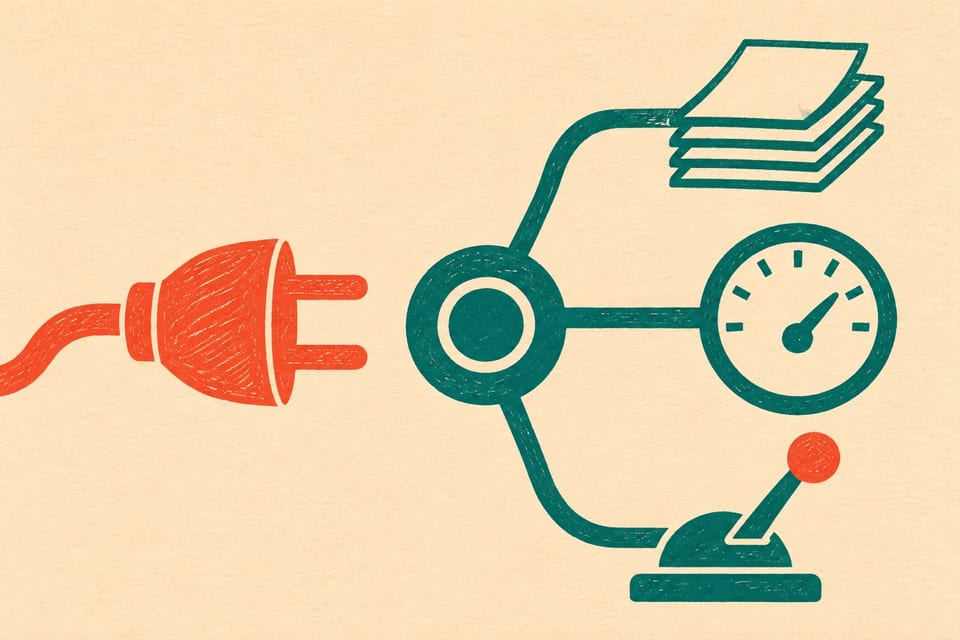
MCP explained: how AI applications reach your tools and data

Follow a question from an AI application to the software holding the answer. MCP gives tools, resources and prompts a shared interface without replacing the systems behind them.

6 min read

Read the story

Fresh from the publication

The latest articles

Browse all articles

Worth understanding

A clearer picture of AI

Explore the explanations
Beginner

Explainer

How AI got from rules to reasoning models

Follow the changes in learning methods, data and compute that led to today’s models, and see why newer does not always mean better for a task.

5 min read

Reliability in practice

Production notes

Incidents, on-call work, and the decisions behind reliable systems.

Explore the series
Beginner

Guide

The on-call work that page counts leave out

Two rotations can have the same page count and very different mornings. Follow the hours, specialist help and cleanup before deciding whether on-call work fits.

5 min read

Put it to work

Tools for the job in front of you

Browse all tools

Reconstruct the response

Put incident timestamps in order and examine the intervals between failure, detection, investigation, and recovery.

Build a timeline

Give the next responder a head start

Turn a known failure into a procedure with scope, actions, escalation, and recovery checks.

Build a runbook

Follow the fix through

Track corrective actions alongside verification criteria and the risk that remains.

Track an action

Start learning

Start with a question. Build from there.

All learning paths

AI basics · 10 lessons available

What happens between a prompt and an answer?

Understand what happens between a prompt and an answer, learn how to check the result, and build a small document assistant that shows its evidence.

10 lessons ready, with practical exercises throughout.

Explore AI basics

Linux basics · 13 lessons available

Get comfortable at the command line.

Learn to operate a Linux system by building, running and troubleshooting a small service in a disposable practice environment.

13 lessons ready, with practical exercises throughout.

Explore Linux basics